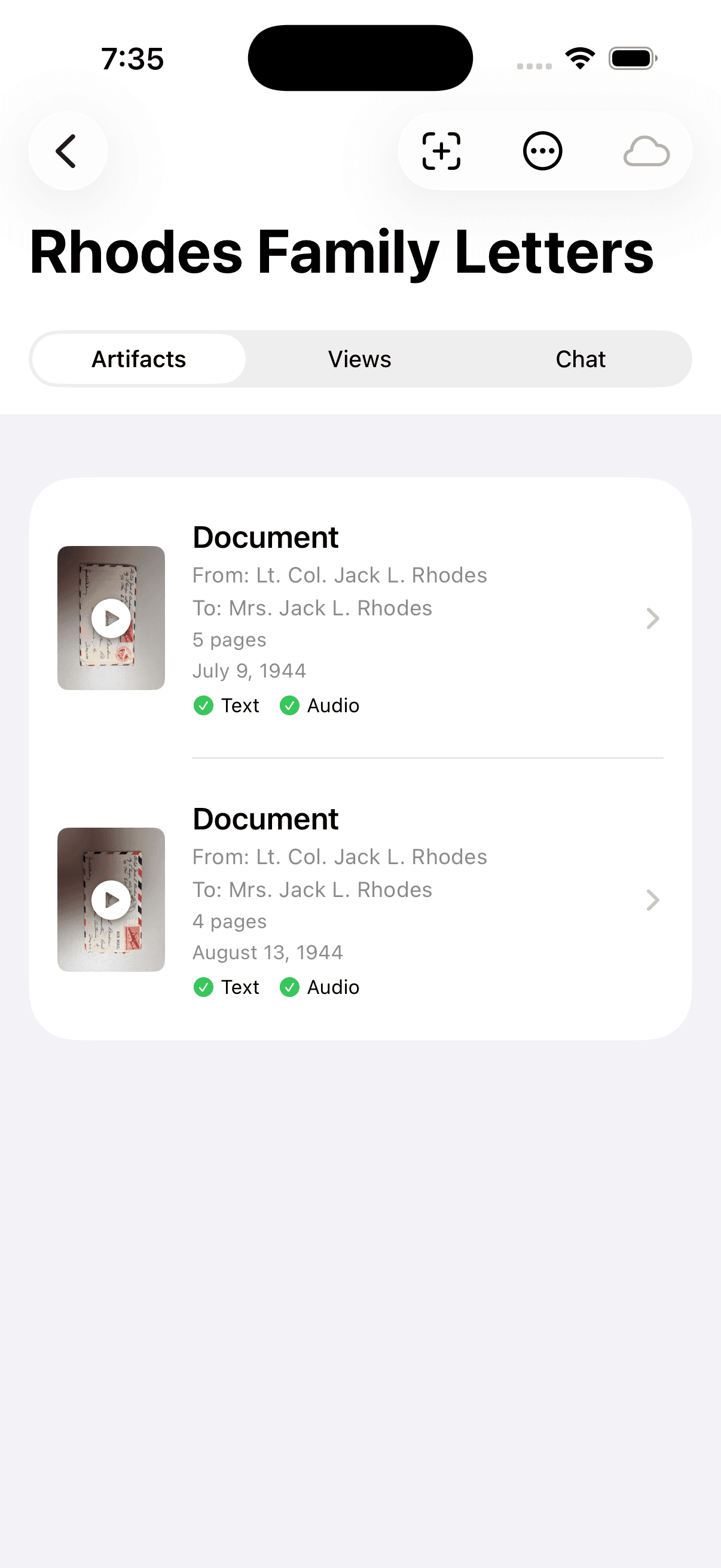
Review one family item
A successful session starts small: open or add one safe item, then check what the app preserved.
Related-user beta guide
LivesLived helps a family turn old letters, photos, documents, stories, and recordings into a private archive you can review, revisit, listen to, and eventually search.
minutes is enough
low-risk family items
keep-using decision
You completed one meaningful archive action: added or reviewed one item, then revisited it.
You were blocked by install, sign-in, permission, subscription, privacy, import, review, listening, or search confusion and recorded where it happened.
You decided not to continue because the privacy or material choice did not feel right.
Use one to three low-risk family items. If you are unsure, use a safer item or ask Yex before uploading.
This is beta software. Only use material you are comfortable testing with.
Some AI features may send text, images, or audio to a third-party AI provider such as Google Gemini for processing.
If plan, subscription, restore purchase, or sign-in state looks odd, report it instead of trying to fix billing.
If the invite is expired, the app will not install, the app will not open, or sign-in fails, stop and send Yex the failed step, exact message, device model if known, network type, and a screenshot if easy.
A successful session starts small: open or add one safe item, then check what the app preserved.
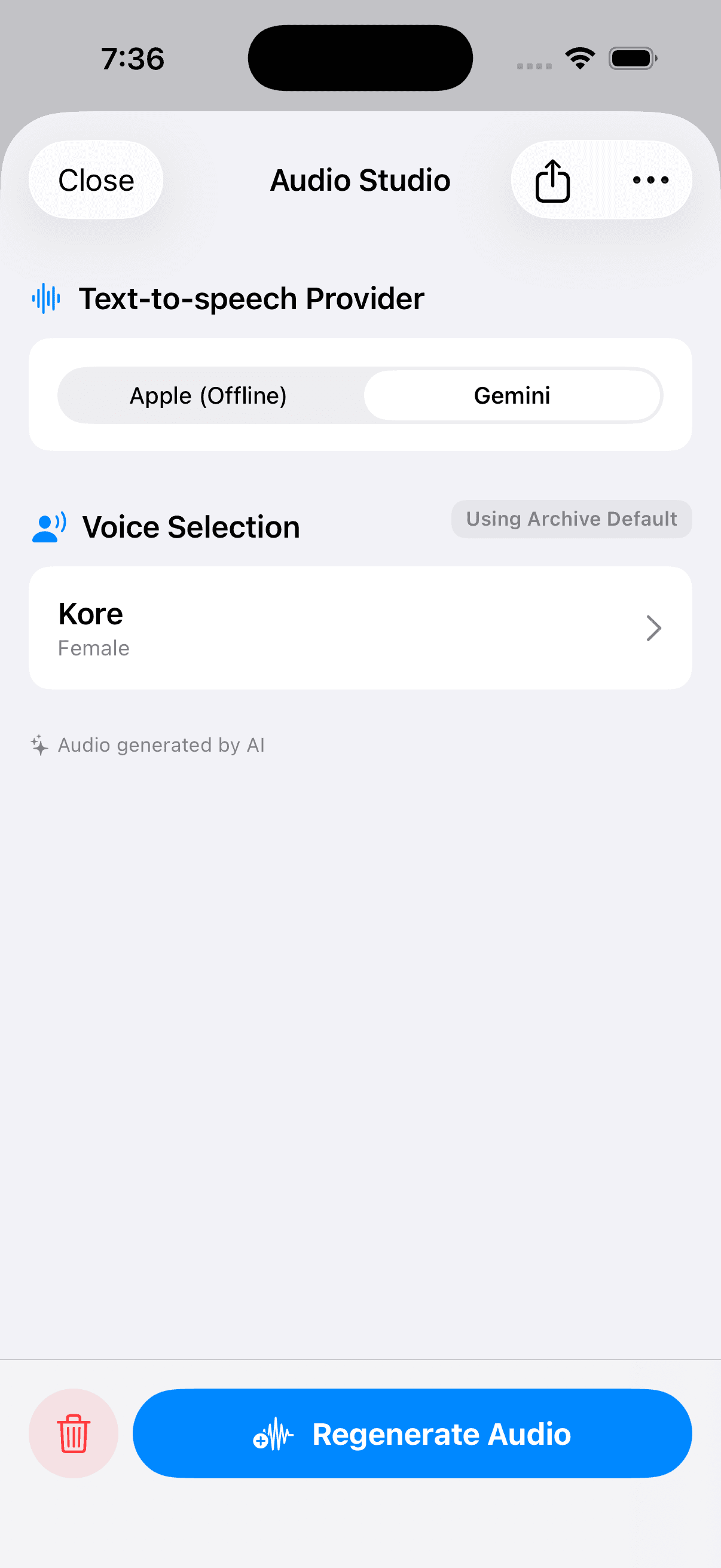
Listening is encouraged when the path is obvious. If provider or voice choices feel confusing, note that and move on.
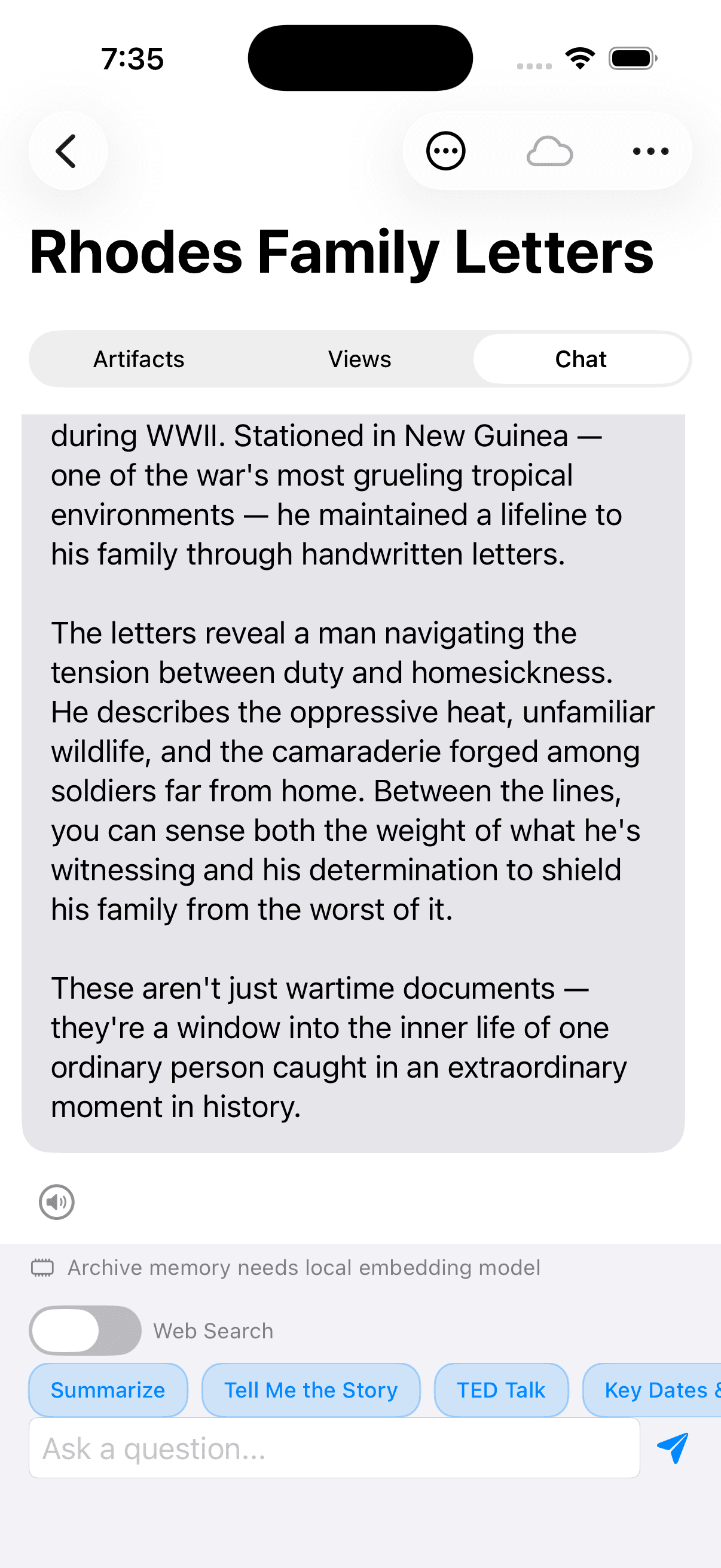
If archive memory asks for a local model or setup step, write down the message. Reviewing and revisiting one item still counts.
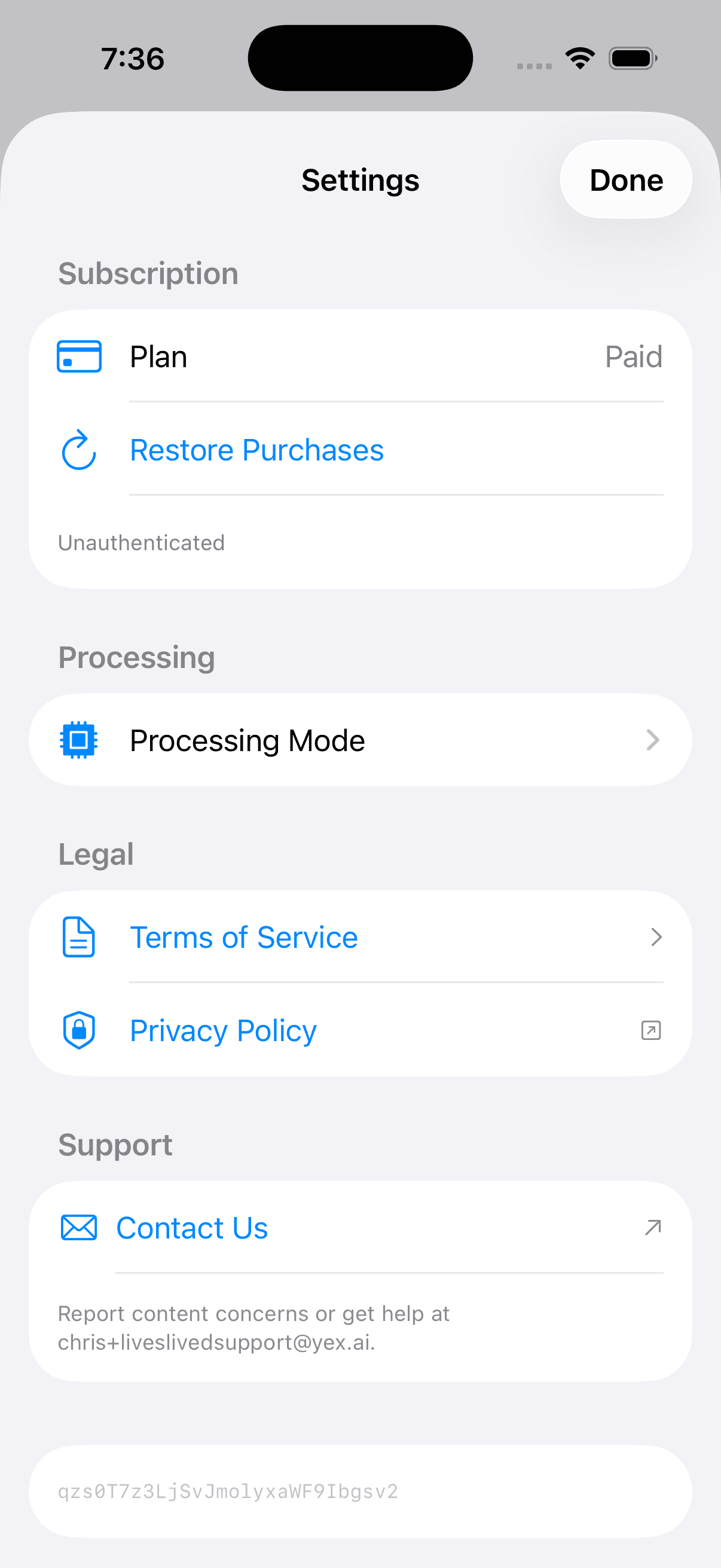
If subscription, paid plan, restore purchase, or sign-in state looks odd, report it instead of spending the session fixing it.
Answer in your own words. The most important signal is whether you would keep using LivesLived or recommend it to another family member.